Create an account
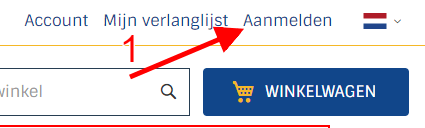
If you want to create an account, click on the text "sign up" af the top right of the page.
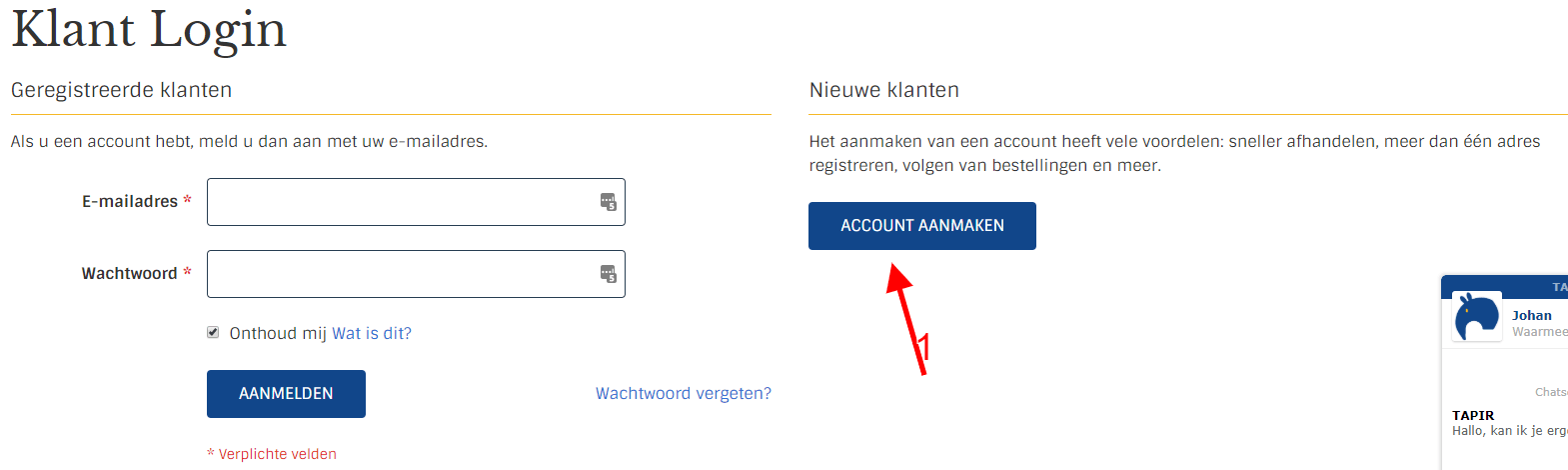
Click on the button "create account"
Enter your details, if you want to create a business account (for example for requesting samples) you must enter your VAT number here. Click on the button "Create account"

You can now log in with this data and/or request samples.
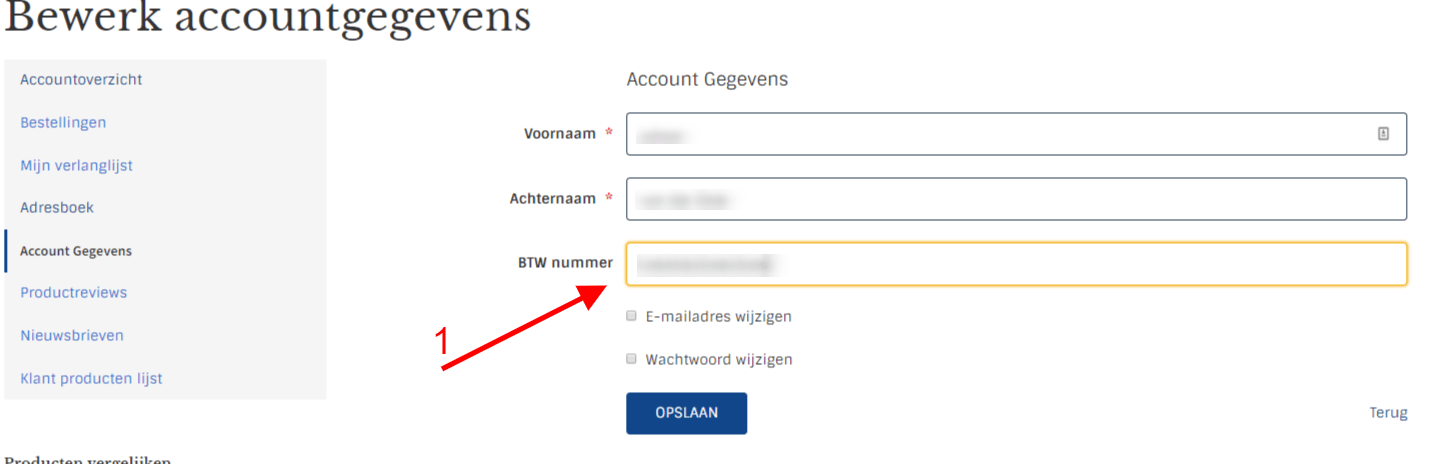
Add VAT number in existing account
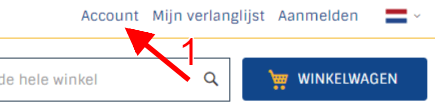
Click on the text "Account" at the top right
Log in to your account, you now enter the dashboard/account details page. Click under "contact details" on the text "edit". Add your VAT number in the VAT field and click the "save" button